

Tap. Pay. Sip.Apple Pay at 39ers Molino 1
Hold your iPhone or Apple Watch near the counter reader, and your order is paid in a moment.
Fast, effortless contactless checkout for your favorite milk tea, brewed coffee, and merienda snacks in Bacoor.
Visit Our Branch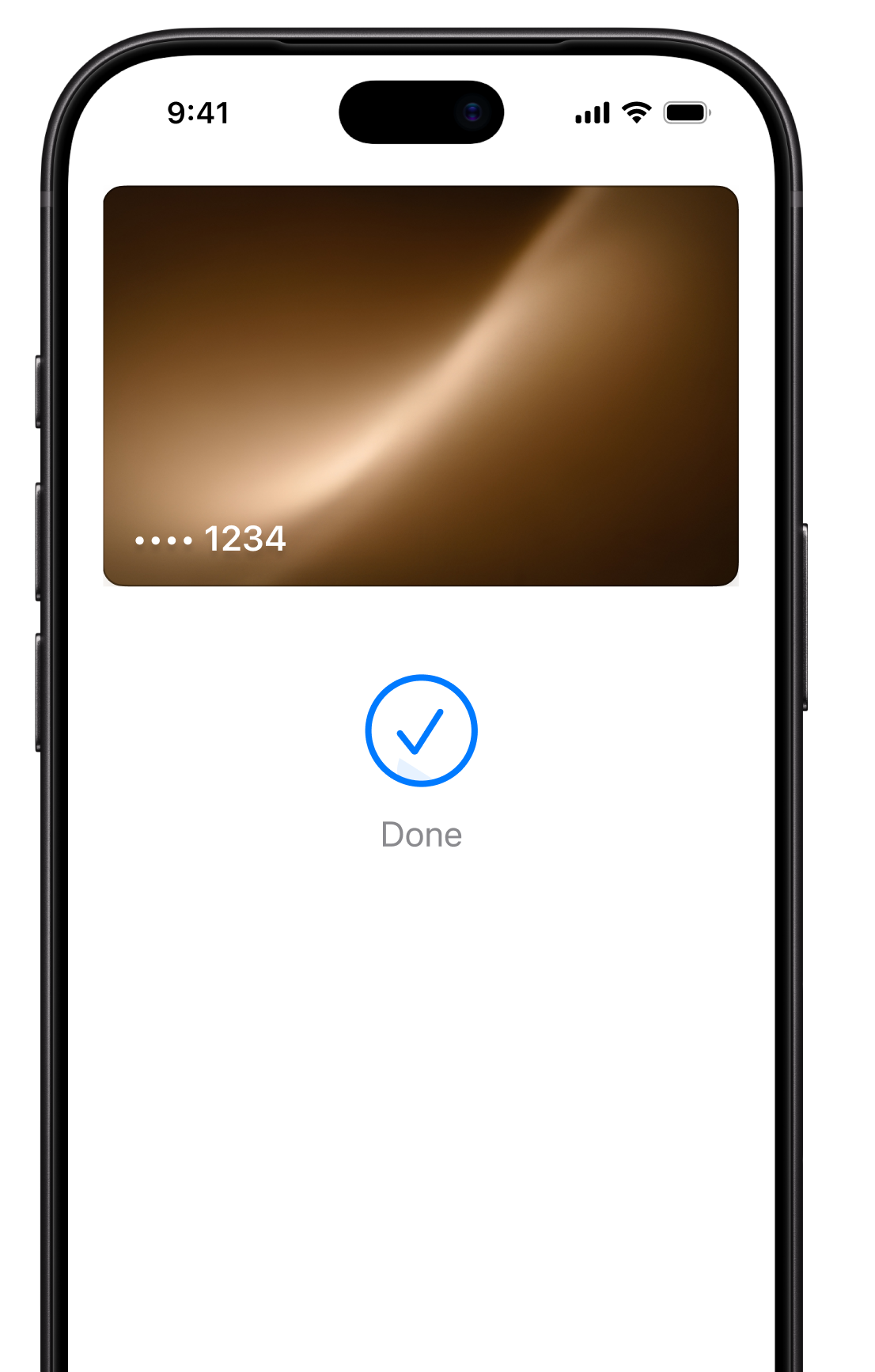
How to Pay with Apple Pay
- Get readyOn iPhone, double-click the side button (or use Touch ID on models with a Home button). On Apple Watch, double-click the side button.
- AuthenticateConfirm with Face ID, Touch ID, or your passcode.
- Hold near the readerHold your device close to the card terminal at the counter until you see Done and a checkmark.
Why Choose Apple Pay at 39ers
Quick
No cash to count and no card to dig out. Tap and go.
Secure
Each payment needs your Face ID, Touch ID, or passcode, and uses a device-specific number instead of your actual card number.
Private
We don’t store your card number. See our Privacy Policy for how we handle your data.
Frequently Asked Questions
Where can I use Apple Pay?
In our physical store at 39ers Burol Molino 1. Apple Pay is for in-person payments at the counter.
Which cards and banks work?
It depends on your bank or card issuer and your device. To check whether your card is supported, visit apple.com/ph/apple-pay or ask your bank.
Can I still pay in cash or with Google Pay?
Yes. We also accept cash and Google Pay.
Something went wrong with my payment. What now?
Let our crew know at the counter and we’ll help you retry or pay another way. For card or account issues, contact your bank.
Terms apply. Apple Pay is available in store, subject to your device, your card issuer, and the payment terminal. Regular menu prices and promo terms apply to all orders, whichever way you pay.
Apple, the Apple logo, Apple Pay, Apple Watch, Face ID, iPhone, and Touch ID are trademarks of Apple Inc., registered in the U.S. and other countries and regions. We are not affiliated with or endorsed by Apple Inc.